


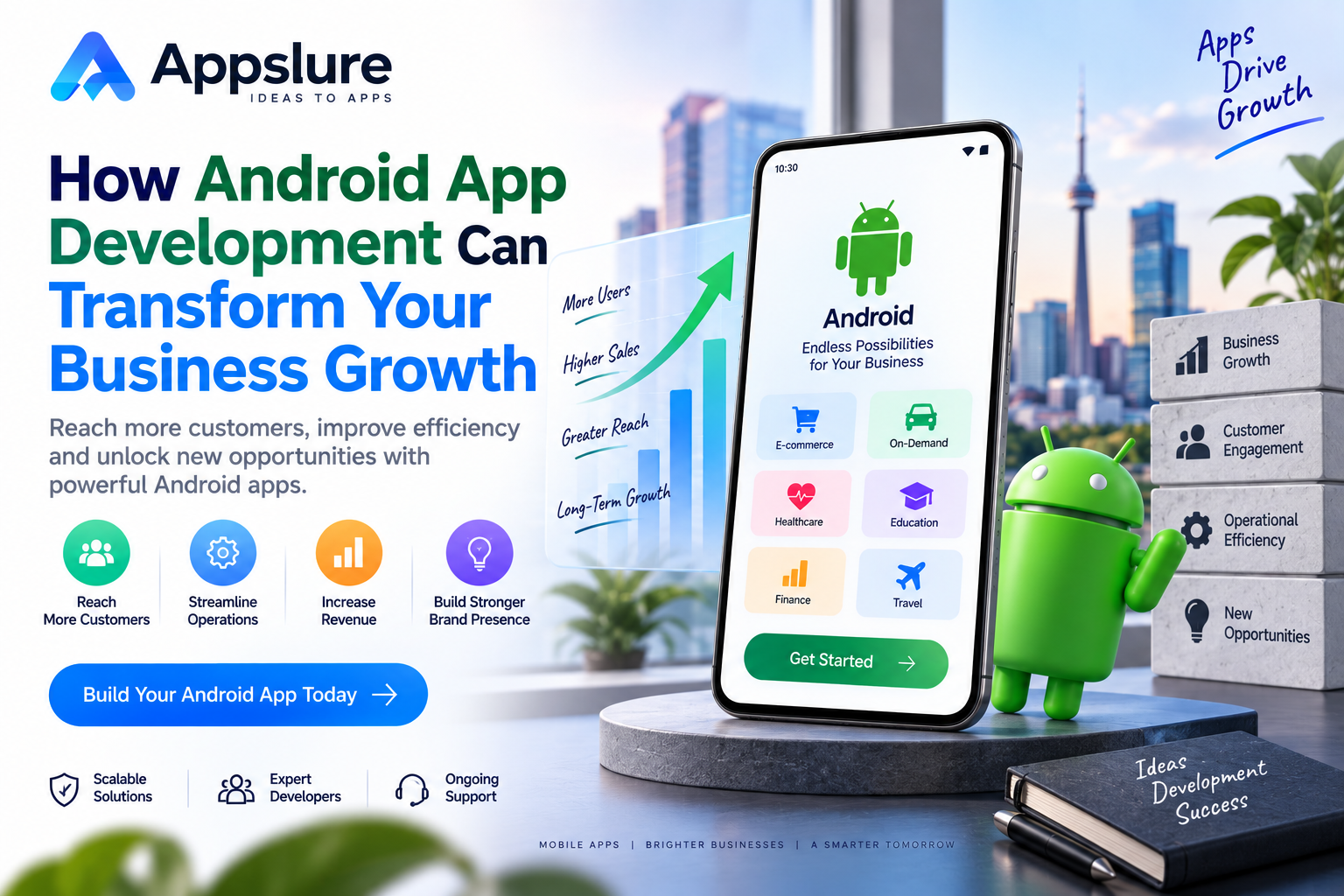
Introduction
Mobile applications have become an essential part of how businesses connect with customers, deliver services, and manage everyday operations. As smartphones continue to influence purchasing decisions and customer expectations, businesses are looking for effective ways to strengthen their digital presence and create more convenient experiences.
Android app development offers businesses an opportunity to reach customers across a diverse range of smartphones and tablets. Whether you operate an ecommerce store, healthcare service, educational platform, logistics company, or startup, a well-designed Android application can help improve accessibility, customer engagement, and operational efficiency.
Partnering with an experienced mobile app development company can help businesses create scalable Android applications that support their objectives, simplify customer interactions, and open new revenue opportunities.
However, successful android development requires more than launching an application on the Google Play Store. Businesses must consider user experience, functionality, security, performance, technology selection, and long-term maintenance.
This guide explores how android app development can support business growth, the essential features of successful applications, development technologies, cost considerations, and strategies for building a sustainable mobile product.
1. Why Android App Development Matters for Modern Businesses
Android is one of the world’s leading mobile operating systems, supporting devices across different manufacturers, price ranges, and geographic markets. Its broad device ecosystem provides businesses with opportunities to serve diverse customer segments.
For organizations planning digital expansion, Android applications can create a direct communication channel between the business and its customers.
Expanding Your Customer Reach
Android applications allow businesses to reach customers who prefer accessing products and services through smartphones.
Instead of depending entirely on physical locations or desktop websites, businesses can provide mobile access to product catalogs, appointments, payments, customer support, and other services.
This accessibility can be particularly valuable for businesses operating across multiple locations or serving customers with different device preferences.
Building a Stronger Digital Presence
A dedicated Android application can strengthen a company’s digital identity by offering a consistent branded experience.
Features such as personalized dashboards, saved preferences, account management, and notifications make it easier for customers to interact with the business.
A useful application can also encourage repeat engagement by reducing the effort required to complete common tasks.
2. Key Business Benefits of Android App Development
Android applications can contribute to business growth in several ways when their features are aligned with customer needs and measurable business goals.
Improved Customer Engagement
A mobile application creates opportunities for direct interaction through notifications, loyalty programs, personalized content, and in-app communication.
For example, an ecommerce business can notify customers about order updates, while a service provider can send appointment reminders.
These interactions can improve convenience and encourage customers to return.
Increased Sales and Revenue Opportunities
Android applications can support multiple business models, including product sales, subscriptions, bookings, digital services, and premium memberships.
By simplifying product discovery, checkout, and payment processes, businesses can reduce unnecessary steps in the customer journey.
However, revenue growth depends on factors such as product-market fit, pricing, customer acquisition, and application usability.
Better Brand Recognition
A branded application gives customers a recognizable digital environment for interacting with a business.
Consistent visual design, clear navigation, reliable performance, and useful functionality can help strengthen brand recognition and customer confidence.
Streamlined Business Operations
Android applications are not limited to customer-facing experiences.
Businesses can also develop internal applications for inventory management, employee attendance, field service operations, delivery tracking, sales reporting, and appointment management.
Digitizing these processes can reduce manual work and improve access to operational information.
3. How Android Apps Help Businesses Reach More Customers
Customer accessibility is an important consideration for business growth.
Android supports a broad ecosystem of devices, allowing businesses to build applications for customers with different budgets, preferences, and technical requirements.
A well-planned Android application can support customer acquisition and retention through several capabilities.
Convenient access: Customers can browse services, manage accounts, and complete transactions directly from their devices.
Personalized experiences: Applications can display relevant products, saved preferences, previous orders, and recommendations.
Location-based services: Businesses can provide nearby store information, delivery availability, service coverage, and location-specific features.
Customer communication: Notifications and in-app messaging can help users stay informed about important updates.
Multilingual support: Applications can serve customers in different regions through localized interfaces and content.
To maximize these benefits, businesses should also invest in discoverability, onboarding, performance, and customer support.
An application alone does not guarantee customer growth. It must provide enough ongoing value for users to install, use, and retain it.
4. Essential Features of a Successful Android Business App
The success of an Android application depends on how effectively its features solve user problems.
Although requirements vary by industry, several capabilities are commonly valuable.
User-Friendly Interface and Navigation
An intuitive interface helps users find information and complete tasks without unnecessary complexity.
Clear menus, readable typography, consistent layouts, and straightforward user journeys can improve usability.
Secure User Authentication
Depending on the application, businesses may implement email login, phone verification, passwordless authentication, or biometric authentication.
Sensitive operations should be protected through appropriate authentication and authorization controls.
Secure Payment Integration
Ecommerce, subscription, and service applications may require payment gateway integration.
Payment functionality should be designed around secure transaction processing, relevant compliance requirements, and a smooth checkout experience.
Push Notifications and Personalization
Notifications can communicate order updates, booking confirmations, reminders, and relevant offers.
Businesses should provide appropriate notification controls and avoid excessive promotional messaging.
Analytics and Performance Tracking
Analytics help businesses understand how users interact with an application.
Useful metrics include registrations, active users, feature adoption, conversion rates, retention, crashes, and transaction completion.
These insights can guide future product improvements.
5. Android App Development Process: From Idea to Launch
A structured development process helps businesses manage complexity, control project scope, and maintain product quality.
Step 1: Planning and Requirement Analysis
The development process begins with understanding the business objectives, target audience, user roles, and required functionality.
At this stage, businesses should distinguish essential launch features from enhancements that can be introduced later.
A clearly defined minimum viable product can help validate the concept before investing in a larger feature set.
Step 2: UI/UX Design
Designers create user flows, wireframes, interactive prototypes, and visual interfaces.
The objective is to develop an application that reflects the brand while remaining easy to navigate.
Usability feedback during this stage can identify confusing workflows before development begins.
Step 3: Android Application Development
Developers implement application screens, navigation, business logic, device functionality, and backend connectivity.
The development architecture should support maintainable code, reliable performance, and future enhancements.
Step 4: Backend and API Integration
Many Android applications require server-side functionality for managing users, products, transactions, bookings, and other business data.
Backend development may involve databases, cloud infrastructure, authentication services, APIs, and third-party integrations.
Step 5: Testing and Quality Assurance
Testing should cover functionality, usability, device compatibility, performance, security, and error handling.
Applications should be evaluated across relevant Android versions, screen sizes, and network conditions.
Step 6: Google Play Store Deployment
After testing, the application can be prepared for publication.
This involves creating a release build, preparing store information, meeting applicable Google Play policies, and completing the review process.
Step 7: Maintenance and Updates
After launch, businesses should monitor crashes, user feedback, performance, and technical issues.
Regular updates help maintain compatibility, security, and functionality as business requirements evolve.
6. Technologies Used in Android App Development
Choosing the right technology stack influences application performance, maintainability, and development efficiency.
Kotlin and Java
Kotlin is a widely adopted language for modern native Android development. It supports concise syntax, null safety, and interoperability with Java.
Java remains relevant, particularly for maintaining existing Android applications and integrating established codebases.
Jetpack Compose and Android SDK
Jetpack Compose is Android’s modern declarative UI toolkit. It allows developers to build interfaces using reusable components and state-driven patterns.
The Android SDK provides APIs and development tools for working with Android platform capabilities.
Android Architecture Components
Technologies such as ViewModel, Room, Navigation, and WorkManager can help developers organize application logic, manage local data, handle navigation, and schedule background tasks.
Backend and Cloud Technologies
Android applications can connect with backend technologies such as Node.js, Java, Python, or other server-side platforms.
Databases and cloud services may support user management, content storage, transactions, analytics, notifications, and scalable application infrastructure.
The appropriate stack should be selected based on project requirements rather than popularity alone.
7. Android App Development Cost: Key Factors to Consider
Android development costs vary depending on the application’s complexity, features, architecture, and delivery requirements.
A basic informational application generally requires less development effort than a marketplace, delivery platform, fintech product, or enterprise management system.
Important cost factors include:
- Application complexity: Advanced workflows and multiple user roles increase development effort.
- UI/UX design: Custom interfaces, animations, and detailed user journeys require additional design and implementation.
- Backend development: APIs, databases, authentication, and administration systems add technical scope.
- Third-party integrations: Payments, maps, messaging, analytics, and external platforms require implementation and testing.
- Security: Applications handling sensitive information may require additional safeguards and assessments.
- Testing: Device coverage, performance requirements, and integration complexity influence quality assurance effort.
- Maintenance: Hosting, monitoring, compatibility updates, bug fixes, and future enhancements create ongoing costs.
Businesses should request a scope-based estimate that clearly identifies deliverables, assumptions, milestones, and post-launch responsibilities.
Choosing the lowest quotation without understanding these details can lead to unexpected expenses later.
8. How to Choose the Right Android App Development Partner
Selecting a development partner is an important business decision because the team influences product quality, technical architecture, delivery timelines, and future maintenance.
Businesses searching for a mobile app development company in Bangalore should evaluate Android expertise, project experience, communication practices, security standards, and long-term support capabilities before making a decision.
Review Technical Expertise
Assess experience with Kotlin, Java, Android SDK, Jetpack Compose, APIs, databases, cloud services, and application architecture.
The team should be able to explain why particular technologies suit your requirements.
Examine Previous Projects
Review relevant portfolio examples to understand the types of applications the team has developed.
Pay attention to functionality, usability, technical complexity, and industry relevance.
Understand the Development Process
Ask how the team handles requirements, design approvals, development milestones, testing, deployment, and change requests.
Clear documentation and progress reporting help maintain project transparency.
Evaluate Post-Launch Support
Android applications require ongoing maintenance as operating systems, device capabilities, dependencies, and business requirements change.
A reliable partner should explain how updates, production issues, and future enhancements will be managed.
9. Why Choose Appslure for Android App Development?
Appslure provides mobile application development services for businesses looking to build digital products aligned with their operational and customer requirements.
From initial planning to application deployment, the development process focuses on transforming business ideas into functional mobile experiences.
Depending on project scope, Appslure’s development capabilities can include:
Custom Android Application Development
Building Android applications around specific business workflows, user roles, and product requirements.
UI/UX Design
Creating intuitive interfaces that support clear navigation, accessible interactions, and consistent brand experiences.
Backend and API Integration
Connecting Android applications with databases, cloud services, business systems, payment gateways, and external APIs.
Ecommerce and Service Applications
Developing functionality for product catalogs, transactions, customer accounts, appointments, bookings, and service management.
Testing and Performance Optimization
Evaluating application functionality, compatibility, responsiveness, and reliability before release.
Deployment and Maintenance
Supporting application release preparation, technical updates, bug fixes, and future feature enhancements.
Appslure’s approach emphasizes understanding the business requirements before selecting the implementation strategy.
Whether a business is planning a startup MVP, customer-facing application, or operational platform, the objective is to create a mobile product that delivers practical value and supports future development.
10. Future Opportunities for Businesses with Android Apps
Android applications continue to offer opportunities for businesses seeking to improve customer experiences and operational capabilities.
Several areas are particularly relevant.
Connected Devices and Wearables
Android applications can integrate with compatible wearable devices, smart equipment, and connected systems to support new customer and operational experiences.
Personalized Digital Services
Businesses can tailor application content, interfaces, and communication based on customer preferences and permitted usage data.
Digital Payments and Commerce
Integrated purchasing, subscriptions, bookings, and payment capabilities can simplify customer transactions.
Automation and Real-Time Operations
Applications can support live order tracking, inventory updates, field workforce coordination, and automated business workflows.
Scalable Digital Platforms
An Android application can begin with a focused set of features and expand into a broader platform as business requirements and customer demand develop.
The most valuable opportunities will depend on how well the application addresses real customer needs.
Conclusion
Android app development can play an important role in business growth by improving customer accessibility, strengthening digital engagement, supporting revenue opportunities, and streamlining operational processes.
However, building a successful Android application requires more than selecting a programming language or publishing an app.
Businesses need clear objectives, thoughtful UI/UX design, appropriate technology, secure architecture, reliable backend integrations, comprehensive testing, and ongoing maintenance.
The right development approach should focus on creating measurable business value rather than adding unnecessary functionality.
For organizations planning to launch a new Android application or modernize an existing product, Appslure offers development capabilities covering planning, design, implementation, testing, deployment, and future improvements.
Ready to bring your Android app idea to life? Connect with Appslure to discuss your business requirements and explore a scalable mobile solution.
Frequently Asked Questions
1. How can Android app development help businesses grow?
Android applications can improve customer accessibility, support direct engagement, simplify transactions, automate workflows, and create additional digital revenue opportunities. Results depend on the application’s usefulness, adoption, and overall business strategy.
2. What are the main benefits of developing an Android application?
Common benefits include broader mobile accessibility, personalized customer experiences, direct communication, improved operational efficiency, digital transactions, and opportunities to strengthen customer relationships.
3. How much does it cost to develop an Android business app?
The cost depends on features, complexity, design requirements, backend infrastructure, integrations, security, testing, and maintenance. A detailed requirements assessment is necessary for a reliable estimate.
4. How long does Android app development take?
A relatively simple application may take a few months, while complex products with multiple user roles, advanced integrations, and extensive backend functionality can require significantly longer.
5. Which technologies are best for Android app development?
Kotlin, Android SDK, and Jetpack Compose are common choices for modern native Android development. Java remains relevant for existing applications. Backend and cloud technologies depend on project requirements.
6. Can Android applications help small businesses increase sales?
Yes. Android applications can support product discovery, service bookings, online payments, customer communication, loyalty programs, and repeat purchases. Actual sales growth depends on demand, usability, marketing, and customer retention.
7. Why should businesses invest in custom Android app development?
Custom Android development allows businesses to create features, workflows, integrations, and user experiences tailored to their specific requirements rather than relying entirely on generic software solutions.

