


Introduction
Customer enquiries, appointment changes, document entry, and internal reporting can keep employees moving between messages, spreadsheets, and business systems. An AI-powered mobile app can help organize these tasks and connect them to a defined workflow.
The opportunity starts with a specific business problem. A support team may need help categorizing requests. A field employee may need to turn spoken notes into a structured report. A service business may want customers to reschedule appointments through a conversation.
When working with a mobile app development company in Delhi, identify the tasks the app should support, the information it needs, and the systems it must update. Establish how employees will review exceptions and how the business will measure results.
This guide explains practical automation opportunities, the features and integrations they require, and the costs involved in building and operating the application.
Understand What AI Automation Means in a Mobile App
Use AI for the Parts That Require Interpretation
AI can help interpret varied language, classify requests, extract information, and prepare summaries. The surrounding application must organize these capabilities into a useful process.
A fixed rule may be sufficient to send a reminder before an appointment. Understanding a customer’s message about changing that appointment may benefit from AI.
Anthropic distinguishes workflows, where models and tools follow predefined paths, from agents that dynamically direct their own processes. This distinction is useful when choosing how much flexibility a business task needs.
Connect Responses with Confirmed Actions
A generated message saying that a booking has changed is not proof that the scheduling system was updated.
Microsoft’s function-calling documentation describes a process in which a model produces a proposed function call and arguments, while application code executes the function and returns its result.
For a business app, the practical requirement is clear: check permissions, validate the request, execute the permitted action, and report the confirmed outcome.
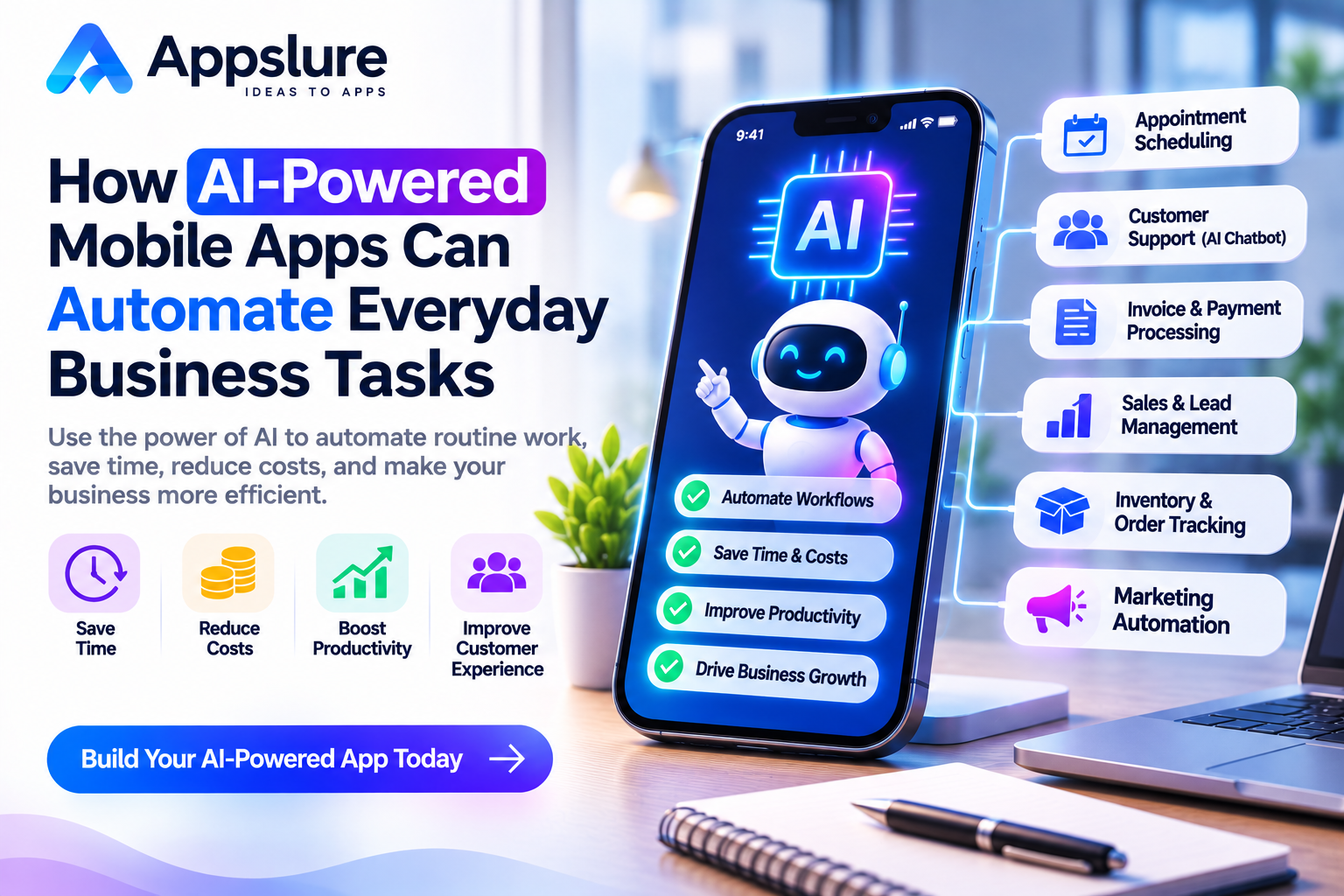
Explore Everyday Business Tasks That AI Can Help Automate
Customer Support and Enquiry Management
An app can use approved service information to prepare answers and categorize incoming questions. A delivery enquiry could become a tracking request, while a billing complaint could enter a specialist support queue.
Connect the workflow to the support system so unresolved conversations become actionable tickets. Define which questions the app can handle and when it should ask for clarification or involve an employee.
Lead Capture and Customer Follow Ups
A conversational interface can collect enquiry details, identify missing information, and prepare a structured lead record.
For example, a customer asking about a service could provide their requirements, location, and preferred contact time. The app could then prepare a CRM entry and a follow-up task.
Validate contact details, check for duplicates, and follow the business’s communication preferences before triggering outreach.
Appointment and Booking Management
A customer may describe a scheduling request naturally rather than completing several screens. The app can interpret the request and retrieve suitable options from the booking system.
It should confirm the intended date, time, and service before making the change. Availability must be checked against the current schedule, including immediately before a booking is committed.
Document Processing and Data Entry
Employees can upload a document and review extracted information before it enters another system.
Google Cloud’s Document AI Invoice Parser supports extracting fields such as invoice numbers, supplier information, dates, amounts, and line items. This demonstrates how document extraction can form one step in a larger business workflow.
The application still needs validation for missing fields, inconsistent totals, duplicates, and the destination record. Payment approval should remain a separate authorized action.
Order Updates and Operational Requests
An app connected to order systems can retrieve status information and help categorize delivery or service problems.
A customer reporting a missing item could be guided through the required details, with a structured case sent to the relevant team. Refunds, replacements, and other consequential actions should follow defined business rules and approval requirements.
Internal Reporting and Staff Assistance
Employees can use an app to turn meeting notes, service updates, or field observations into draft reports and task lists.
Preserve access to the supporting records so reviewers can check the summary. Figures and operational calculations should come from validated data and appropriate calculation logic.
These workflows can reduce repeated copying while keeping employees responsible for reviewing important information.
Show How an AI Workflow Works from Start to Finish
Consider a service business whose customers want to reschedule appointments.
- The customer asks to move an existing appointment.
- The app identifies the booking and clarifies missing details.
- The scheduling system provides available alternatives.
- The customer confirms the exact replacement time and any relevant conditions.
- The backend checks availability again, updates the booking, and returns the result.
- The app displays confirmation only after the update succeeds.
If the requested slot becomes unavailable, the app should offer another option. If an update times out, it should check the booking’s actual status before trying again.
This handling matters because repeating an uncertain action could create duplicate records or conflicting requests. Each workflow needs a reliable way to identify what has already happened.
Plan the Features That Make Automation Useful
Provide Clear Input and Guidance
Choose interaction methods that fit the work. Text may suit customer enquiries, while optional voice input may help employees capture information away from a desk.
Make it easy to review and correct the details before submission. Support accessible controls, understandable instructions, and ordinary forms when a conversation is unnecessary.
Show Progress and Action Status
Distinguish between a draft, a request awaiting approval, an action in progress, and a completed task.
If the workflow fails, explain what the user can do next. Avoid displaying success merely because the model produced a confident response.
Build Review and Accountability into the Workflow
For important actions, show the final details to the authorized person before execution. Approval should cover the specific change, such as the recipient, amount, or appointment time.
Keep an appropriate activity history recording the request, approval, system action, and outcome. Restrict access to these records and avoid storing unnecessary sensitive information.
Connect the App with Existing Business Systems
Identify the Required Integrations
Map the systems involved in the selected task. These may include a CRM, calendar, order database, inventory platform, accounting system, or support tool.
Check whether suitable APIs and permissions are available. Include authentication, validation, error handling, and integration testing in the project scope.
Use the Right Source for Each Type of Information
Approved documents can provide service explanations and internal procedures. Current availability, payment status, customer permissions, and inventory should come from the relevant business system.
Keep reference information updated, and check transactional conditions when an action is about to happen.
Handle Repeated and Failed Requests
Define what happens when a service is unavailable or a response arrives late. Use identifiers and checks that prevent the same request from creating duplicate updates.
The backend should enforce access rules independently of the model’s suggestions. A request written in natural language does not grant permission to view or change a record.
Prepare Business Data and Evaluate AI Results
Organize Relevant Business Information
Start with approved FAQs, service descriptions, process instructions, and the records the workflow actually needs. Assign owners who can correct outdated or conflicting information.
A custom application does not automatically require training a new model. Retrieval-augmented generation, commonly called RAG, supplies relevant external information to an existing model when it responds. AWS describes this approach as extending access to organizational knowledge without retraining the model.
Whether retrieval, another existing capability, or additional model customization is appropriate should be decided through testing.
Protect Access to Business Data
Define which information each user and workflow may access. Review what is sent to external services, what is retained, and which staff members can inspect it.
Use controlled test data where possible and evaluate whether the chosen deployment arrangements fit the business’s privacy requirements.
Test Answers and Completed Workflows
Include ordinary requests, incomplete details, unusual wording, conflicting records, and unavailable services in the test set.
Microsoft’s RAG evaluation guidance separates dimensions such as relevance, groundedness, and completeness. These help assess whether an answer addresses the request and is supported by the supplied information.
For automation, also verify that the correct action was completed against the correct record with the required authorization. Measure corrections, escalations, response times, and failed actions alongside answer quality.
Start with a Focused Development and Implementation Plan
Select One Valuable Task
Choose a repetitive task with a clear outcome and accessible data. Document its current steps, handling time, common errors, and approval requirements.
A narrower pilot makes it easier to understand whether the proposed approach improves the process.
Build a Complete Pilot
A mobile app development company should help define the workflow, integrations, testing criteria, and responsibilities before expanding automation to additional tasks.
Build enough of the process to test an actual outcome. Include the mobile interface, backend behavior, relevant system connection, and a route for exceptions.
Review Results Before Expanding
Run the pilot with a limited group of intended users. Compare results with the existing process and investigate where manual correction is still needed.
Use the evidence to improve the workflow, adjust its scope, or select a simpler solution. Expand once the business understands the operating effort and the conditions under which the workflow succeeds.
Understand the Cost of Building and Running an AI-Powered Mobile App
Plan the Initial Development Budget
The initial investment depends on whether the project is a new app or an extension to an existing product. Platform coverage, interface complexity, integrations, data readiness, and approval requirements also affect the scope.
Ask for estimates broken down by deliverable. Discovery, mobile development, backend work, integrations, testing, and deployment should have clear assumptions.
A proposal should identify which services and accounts the business will pay for separately.
Include the Full Operating Cost
| Cost Area | What to Budget For |
| Discovery and workflow design | Process analysis, requirements, acceptance criteria, and changes to business rules |
| Mobile app and backend | Interfaces, authentication, APIs, administration tools, and platform compatibility |
| Data and integrations | Connectors, data preparation, knowledge-base updates, and external service access |
| AI processing | Model requests, document extraction, speech processing, or model hosting where applicable |
| Infrastructure | Compute, databases, retrieval storage, networking, logs, and monitoring |
| Testing and evaluation | Workflow checks, output evaluation, security review, and regression testing |
| Human operations | Reviewing uncertain results, handling exceptions, and correcting information |
| Maintenance and improvements | Dependency changes, integration updates, bug fixes, and new workflows |
Include applicable subscriptions, developer-account charges, taxes, and contingency in the overall plan. Distinguish recurring commitments from usage-based expenses and periodic project work.
Calculate AI Usage with Explicit Assumptions
As a dated pricing example, Anthropic lists Claude Sonnet 5.5 at US$2 per million input tokens and US$10 per million output tokens for standard base usage, checked on 18 November 2026.
Assume 10,000 text requests per month, each using 2,000 input tokens and 500 output tokens, with no caching or batch discounts:
- Input usage would be 20 million tokens, costing US$40.
- Output usage would be 5 million tokens, costing US$50.
- The example’s base model charge would be US$90 per month.
This hypothetical calculation covers model usage only. It excludes development, hosting, additional tools, voice or document services, taxes, and human review. Other routing or service options can affect pricing.
A business task may require several model requests. Measure the complete workflow’s usage, including context and retries, before forecasting production costs.
Compare Like for Like
When reviewing proposals, compare the same workflows, platforms, integrations, testing scope, and support expectations.
Ask how increased usage, vendor changes, and additional approval steps would affect the estimate. Separate maintenance of existing functions from development of new capabilities.
Measure Whether the Automation Is Delivering Value
Track Accepted Task Completion
Define what a successful task means before the pilot begins. For a booking workflow, success should include the correct appointment being updated and the customer receiving an accurate result.
Track completion rates, corrections, escalations, and service failures by task type.
Include Human Review in Time Measurements
Compare the full effort required before and after implementation, including checking and correction.
As a hypothetical illustration, reducing handling time from eight minutes to two minutes across 500 monthly tasks would release 50 hours of capacity. Whether that creates cash savings depends on how the business uses that capacity.
Calculate Cost per Successful Task
Divide the relevant operating cost for the measurement period by the number of tasks completed to the agreed acceptance criteria.
Include failed attempts, retries, monitoring, and human review in the cost. Consider initial development separately when evaluating investment payback.
This approach helps the business judge whether automation remains useful as usage and complexity change.
Choose the Right AI Development Partner
When evaluating an AI app development company in Delhi, ask how it will connect your existing systems, test the selected workflow, and keep authorized employees in control of important actions.
Review Comparable Implementation Work
Discuss relevant integrations, exception handling, and evaluation methods. Ask the team to explain the action behind a demonstration and how the result is confirmed.
Evaluate the complete process, including what happens when information is missing or a connected system fails.
Confirm Responsibilities and Ownership
Document ownership of source code, data, service accounts, prompts, configurations, and technical documentation.
Agree on support scope, reporting, recurring charges, and the process for handing the product to another authorized team if needed.
Plan a Reviewable First Step
Bring a specific workflow, its current challenges, and available systems to a discussion with Appslure. Use the conversation to define a suitable pilot, measurable acceptance criteria, and a development scope.
Conclusion
AI-powered mobile apps can support everyday work when their capabilities are connected to clear business processes.
Choose a task with a measurable outcome, use reliable information, and build the necessary integrations and approvals. Evaluate completed actions as well as generated answers, and budget for the full operating process.
Start with a focused pilot and use its results to decide where further automation is worthwhile.
Discuss your business workflows with Appslure to explore how AI-powered mobile automation could simplify daily work and support your team.
Frequently Asked Questions
Which business tasks should be considered first for AI automation?
Start with a repetitive task that has a clear outcome, available information, and manageable exceptions. Examples include classifying support requests, preparing CRM entries, extracting document details, or summarizing staff reports. Record the current process so you can compare results.
Can AI features be added to an existing mobile app?
Yes, depending on the existing architecture, available integrations, and data access. The work may involve interface changes, backend services, and connections to an AI provider or hosted model. Review security, performance, and maintenance requirements before defining the scope.
Does a business need to train its own AI model?
Not necessarily. An existing model may be suitable when combined with relevant instructions, business information, and system integrations. Test that approach first. Additional customization should address a demonstrated need rather than being assumed at the start.
How can an AI-powered app connect with a CRM or booking system?
The application uses authorized integrations to retrieve information or request updates. The backend validates the details and permissions, performs the permitted operation, and returns its outcome. The app should confirm success only after the connected system verifies the change.
Which automated actions should require human approval?
Define approval requirements according to the action’s consequences and the business’s existing controls. Payments, refunds, sensitive record changes, and unusual exceptions often require review. The approving person should see the exact details of the proposed action.
What affects the development and operating costs of an AI-powered app?
Major factors include platform coverage, workflow complexity, integrations, data preparation, AI usage, infrastructure, testing, maintenance, and human review. Request separate estimates for initial delivery and ongoing operation, with assumptions for expected usage.
How can a business measure whether AI automation is worth the investment?
Compare accepted task completion, total handling time, correction effort, service outcomes, and cost per successful task with the existing process. Include implementation and recurring expenses when assessing payback. Time released for other work should be distinguished from cash savings actually achieved.

