


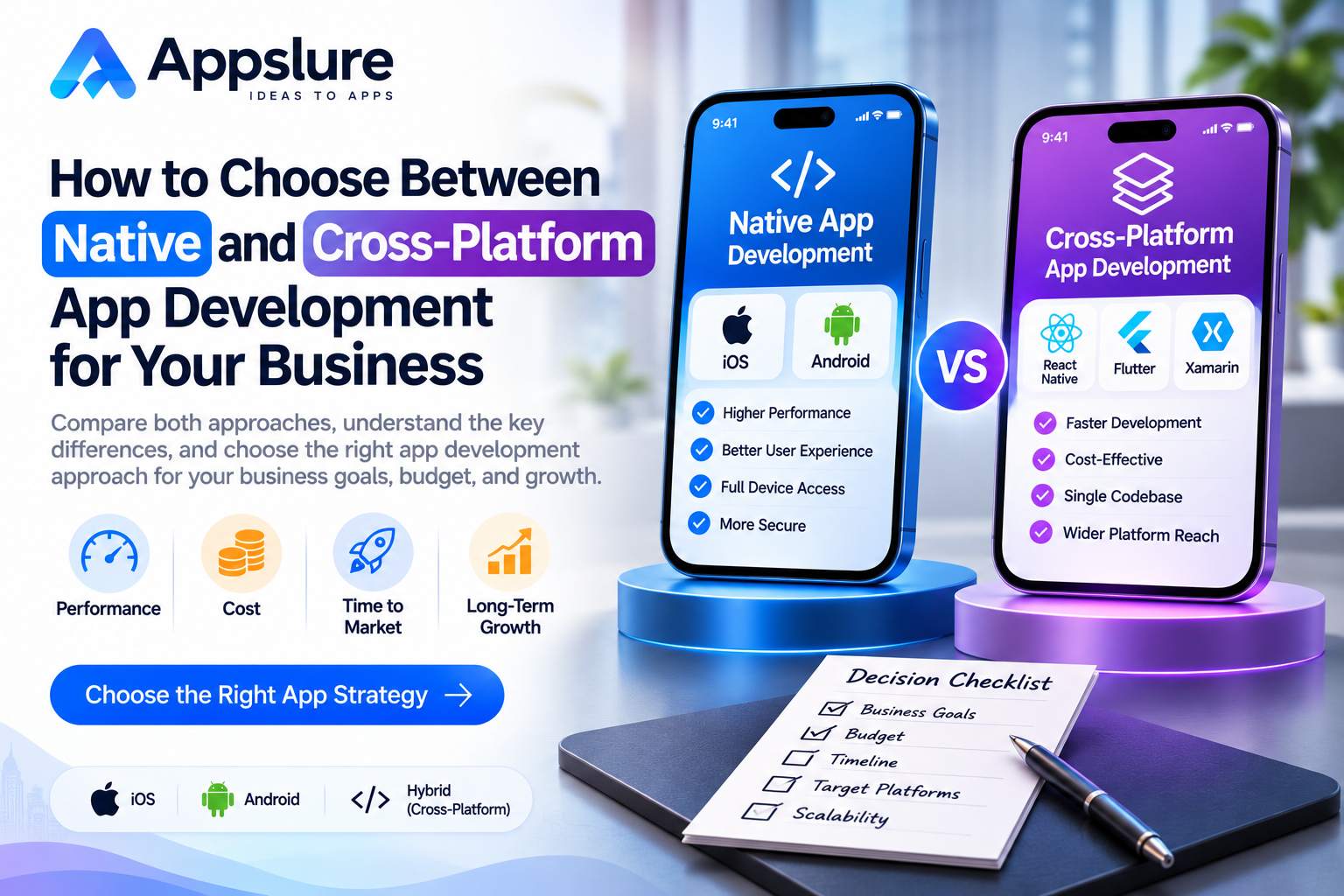
Introduction
Choosing how to build a mobile app affects its budget, user experience, release process, and future maintenance. The decision becomes easier when you start with the product your customers need and the capabilities your team must support.
Native development gives each platform its own application implementation. Cross-platform development allows substantial application code to be shared. Both approaches can support useful business products, but their trade-offs depend on the actual requirements.
When evaluating a mobile app development company in Delhi, ask how its proposed approach fits your users, integrations, performance expectations, and operating budget. A clear explanation should connect technology choices to your business.
This guide compares native and cross-platform app development for Android and iOS. It covers their practical differences, cost considerations, maintenance responsibilities, and the questions to answer before choosing an approach.
1. What Native App Development Means
Native app development typically involves building an application specifically for its target operating system using that platform’s tools and frameworks.
For Apple platforms, Swift and SwiftUI are options for building application functionality and interfaces. Android development commonly uses Kotlin, with Jetpack Compose providing Android’s modern native UI toolkit.
A business launching separate native Android and iOS apps will generally maintain platform-specific application code. However, product requirements, backend services, APIs, and some design work can still be shared.
For example, both applications might connect to the same booking system and customer database while implementing navigation and device interactions separately.
The business benefit is direct control over each platform’s experience. The associated responsibility is planning the expertise, coordination, and testing required to maintain both implementations.
Native development also makes sense to evaluate when the product serves only one platform. An internal tool for company-owned Android devices does not automatically need an iOS implementation.
2. What Cross-Platform App Development Means
Cross-platform app development uses frameworks that allow application code to serve more than one operating system. React Native and Flutter are two options, with different approaches to interface development.
How React Native Works
React Native uses React and JavaScript to build applications that work with native platform capabilities and components. It supports Android and iOS applications without treating the entire interface as a website displayed inside the app.
Teams can share substantial code while adding platform-specific implementations when the product requires different behaviour. React Native provides explicit mechanisms for organizing those differences.
How Flutter Works
Flutter uses Dart and its own widget and rendering system. Its architecture supports code reuse while allowing integration with underlying platform services. Developers can also connect Flutter code with platform-specific code where needed.
This approach gives teams a consistent way to construct interfaces, but design, accessibility, device behaviour, and integrations still need deliberate evaluation.
What Shared Code Does Not Remove
Android and iOS still require their own builds, signing configuration, release preparation, and compatibility testing.
The useful planning question is how much of your product can be shared safely and which parts need dedicated platform work.
3. The Main Differences Between the Two Approaches
Use this comparison as a starting point for a project discussion.
| Decision Area | Native Development | Cross-Platform Development |
| Application code | Separate platform implementations are typical | Substantial code can be shared |
| Interface design | Each platform can be tailored directly | Shared design with framework and platform adaptations |
| Device capabilities | Uses platform APIs directly | Uses supported integrations or custom native code |
| Development effort | Includes implementation for each selected platform | Includes shared implementation plus platform-specific work |
| Testing | Required on every supported platform | Also required on every supported platform |
| Maintenance | Platform tools, libraries, and application code | Framework, dependencies, native modules, and platform tooling |
Neither approach removes the need for sound architecture, reliable backend systems, or a thoughtful user experience. Evaluate the differences against the application you intend to build.
4. How to Evaluate the Requirements That Matter
Understand Your Users and Target Platforms
Identify which devices your intended users actually use. A product serving employees with managed devices has different distribution needs from a consumer application available to a broad audience.
Confirm whether both platforms are required at launch or whether a focused initial release would provide useful evidence. Avoid paying for an additional platform without a clear reason to support it.
Define the Experience Each Platform Needs
Some products have nearly identical customer journeys across Android and iOS. Others require different navigation, interactions, integrations, or companion experiences.
Review your main workflows and identify where behaviour should differ. Include accessibility, text scaling, keyboard behaviour, permissions, and error recovery in the design discussion.
A shared visual identity can coexist with platform-appropriate interactions.
Turn Performance Expectations into Testable Requirements
“Fast” is too broad to guide an architecture decision. Specify the activities that matter, such as opening a catalogue, scrolling a large list, processing camera input, or maintaining a live session.
Measure the important workflow on representative devices. Application architecture, backend latency, image handling, network conditions, and implementation quality can all affect the experience.
For a demanding feature, a small technical prototype can provide more useful evidence than a general claim about which framework is faster.
Examine Device Integrations Early
List essential capabilities such as Bluetooth, location, camera access, biometrics, or background activity. Check whether the required functionality is supported and whether existing integrations are actively maintained.
Advanced features do not automatically rule out cross-platform development. They can increase the amount of native implementation or validation needed.
For example, background location requires careful work on permissions, operating-system behaviour, reliability, and battery use whichever approach you select.
Consider the Team That Will Maintain the Product
A development choice should account for the skills available after launch. Ask who will diagnose device-specific failures, update dependencies, and maintain any custom native modules.
An experienced team using a suitable framework may be a better fit than a team learning unfamiliar tools during a demanding project. Evaluate relevant delivery and maintenance experience alongside the technology recommendation.
5. How Native and Cross-Platform Development Affect Costs
Compare proposals for the same product scope, supported devices, and quality expectations. A lower quotation may reflect fewer included responsibilities rather than a more efficient implementation.
Separate Shared Work from Platform Work
Start with the work that either approach needs:
- Business discovery and product planning.
- User journeys, design, and accessibility requirements.
- Backend services, databases, and administration tools.
- Integrations with existing business systems.
- Testing, release preparation, and handover.
Then identify the application work that differs. A native proposal should explain the Android and iOS implementations. A cross-platform proposal should identify shared work, platform adaptations, and any custom native modules.
This avoids treating the entire project as if every cost were duplicated or eliminated by the framework choice.
Compare the Cost Components Clearly
| Cost Component | What to Compare |
| Mobile implementation | Platform coverage, screens, workflows, and technical assumptions |
| Backend and admin tools | Equivalent business rules, controls, and reporting |
| Integrations | Supported packages, custom work, and vendor requirements |
| QA and accessibility | Device coverage, critical scenarios, and acceptance criteria |
| Deployment | Build configuration, store preparation, and release support |
| Maintenance | Updates, dependency work, incident response, and support scope |
Request estimated effort and rates where appropriate, or ask for the assumptions supporting a fixed price.
Understand When Shared Code Can Reduce Effort
Shared code can reduce repeated implementation when both platforms need similar features and the required integrations are well supported.
However, extensive platform differences, complex native modules, or difficult framework upgrades can consume part of that benefit. Testing and release responsibilities also remain.
A useful estimate should show which tasks are expected to take less effort and why. There is no reliable universal percentage reduction that applies to every application.
Include Operating and Maintenance Expenses
Hosting, storage, messaging, maps, transaction processing, and other external services depend on your architecture and usage. Choosing a shared application codebase does not automatically reduce these bills.
Budget for operating-system compatibility, framework or library updates, security fixes, monitoring, and future improvements. Specify whether developer-account charges and service subscriptions are included or paid separately.
For planning, compare:
Initial delivery cost + operating expenses + maintenance + planned product improvements.
Use the same planning period for both proposals, such as delivery plus the first twelve months after launch. This helps reveal differences that an initial development price may hide.
6. Which Approach Fits Different Business Situations
These examples illustrate what to investigate before committing to a technology.
A Booking or Ecommerce App for Both Platforms
Cross-platform development can be a practical option when the customer journey is largely shared across Android and iOS.
Validate payments, notifications, accessibility, and any integrations central to the service. Also confirm that the selected framework supports the experience your customers expect.
An Application with Demanding Camera or Device Features
Compare native implementation with a focused prototype of the proposed cross-platform approach.
Test the actual processing workload, responsiveness, hardware access, and battery behaviour. The results should establish whether the integration meets requirements and how much custom work it needs.
An Internal App for One Managed Device Platform
Native development may be straightforward when employees use a defined set of Android or iOS devices.
Review device management, offline requirements, and internal distribution. Add support for another platform when the business has a clear reason for doing so.
A Business with Established Native Applications
Assess the existing products before deciding to rewrite them. A migration must account for feature parity, integrations, user data, accessibility, testing, and the knowledge already embedded in the applications.
Improving the existing architecture or sharing selected components may be more practical than replacing both applications. Compare the expected benefit with the full migration effort.
7. Plan Maintenance Before the First Release
The application’s release is the beginning of an operating commitment. Agree on how the product will be maintained while architecture decisions are still being made.
Updates and Dependencies
Both approaches require attention to platform changes and external libraries. Cross-platform applications also depend on the framework and any plugins or native modules they use.
Keep an inventory of critical dependencies and assign ownership for upgrades. Review whether essential integrations have active maintainers and a workable replacement path.
Testing and Release Coordination
A shared change can affect both platforms. Regression testing should cover their important journeys independently, including notifications, permissions, transactions, and recovery from interrupted requests.
Plan how releases will be coordinated with backend changes and how issues will be monitored after deployment.
Security and Operational Responsibility
Security depends on implementation and operations. Authentication, server-side authorization, credential handling, data storage, and dependency management need appropriate controls in either approach.
Define who responds to incidents, manages infrastructure, and maintains access to build systems and service accounts. The framework name alone does not establish these responsibilities.
8. Questions to Answer Before Choosing an Approach
Prepare a short decision brief before approving the development plan.
- Which platforms do our actual users need?
- Which workflows must behave differently on Android and iOS?
- Which device integrations are essential for the first release?
- What performance and accessibility requirements must be demonstrated?
- Which proposed integrations require custom native work?
- Who can maintain the chosen technologies after launch?
- What does the full delivery and operating budget include?
- Which uncertain feature should we prototype before committing?
Record the evidence behind the recommendation. If a difficult integration could determine the architecture, validate it on real target devices before the main implementation begins.
The goal is a decision your team can explain and revisit as the product changes.
9. How to Choose a Development Partner for the Project
Businesses considering a mobile app development company in Bangalore should ask for a recommendation based on their product requirements, supported by relevant implementation experience.
Review Comparable Work
Look for examples involving similar workflows, device capabilities, and maintenance demands. Ask which parts the team implemented and what challenges it encountered after launch.
A polished demonstration is useful when the team can also explain the engineering decisions behind it.
Ask for Comparable Proposals
Where both approaches are realistic, request a comparison covering the same scope. The recommendation should identify trade-offs, dependencies, uncertain assumptions, and responsibilities.
Ask how additional platform work or integration problems would affect the estimate.
Confirm Ownership and Handover
Document access to source code, designs, developer accounts, infrastructure, and technical documentation. Agree on maintenance coverage and the process for handing the product to another authorized team if required.
10. How Appslure Can Help You Plan the Right Approach
Appslure’s published services include iOS, Android, Flutter, React Native, and mobile interface design, alongside backend development capabilities. These services provide a starting point for discussing different implementation options for a business application.
Bring your audience, main workflows, existing systems, device requirements, and budget priorities to the conversation. Ask how the recommended approach supports those needs and what should be validated before development.
The project discussion should produce a clear scope, realistic assumptions, and an understanding of delivery and maintenance responsibilities.
Whether you are planning a new application or reviewing an existing product, choosing an approach should be part of a practical product plan.
Discuss your mobile app requirements with Appslure and explore an implementation approach that fits your business.
Conclusion
Choosing between native and cross-platform app development starts with understanding the product you need to deliver.
Evaluate your users, platform differences, critical integrations, measurable performance requirements, and maintenance capabilities. Compare the complete scope and operating commitment when reviewing costs.
Where uncertainty remains, validate the most demanding workflow before making a larger investment. Evidence from a relevant prototype and comparable project experience can make the decision easier to assess.
Connect with Appslure to discuss your application goals, technology options, and development plan.
Frequently Asked Questions
What is the main difference between native and cross-platform app development?
Native development typically creates platform-specific applications. Cross-platform development shares substantial application code across operating systems. Both may use shared backend services, and both require appropriate device testing, release preparation, and ongoing maintenance.
Is cross-platform app development always cheaper?
No. Sharing code can reduce repeated implementation, but the result depends on platform differences, integrations, team experience, and maintenance requirements. Compare proposals with equivalent scope and quality expectations. Backend services and operating expenses also need to be included in the budget.
Do native apps always perform better?
Performance depends on the workload, architecture, implementation, and devices. Native development can provide direct control over platform functionality, while cross-platform applications can meet many business requirements. Test the most demanding workflow against measurable targets before making a decision.
Can cross-platform apps use native device features?
Yes, through supported framework capabilities, packages, or custom native integrations. Availability and behaviour vary by feature and platform. Validate essential integrations early and include their implementation, testing, permissions, and future maintenance in the project plan.
Should an existing native app be rebuilt with a cross-platform framework?
A rewrite needs a clear business case. Compare migration effort, feature parity, testing, existing team knowledge, and future benefits. Improving the current application or sharing selected components may be preferable when the existing product already meets business needs.
Which approach is better for a startup MVP?
Choose according to the users and assumptions the MVP must test. A shared customer journey across both platforms may suit cross-platform development. A single-platform audience or a demanding device integration may justify native development. Confirm the fit through scope analysis and targeted technical validation.

